Meltzer Lippe
ProjectA new website for a law firm with more than 50 years of history: 80 attorneys, 12 practice areas and hundreds of articles, alerts, news items and events, all connected so each page shows what belongs with it.
- Industry
- Law firm
- Area
- Nassau County
- Services
- Strategy, Design, Content, Development
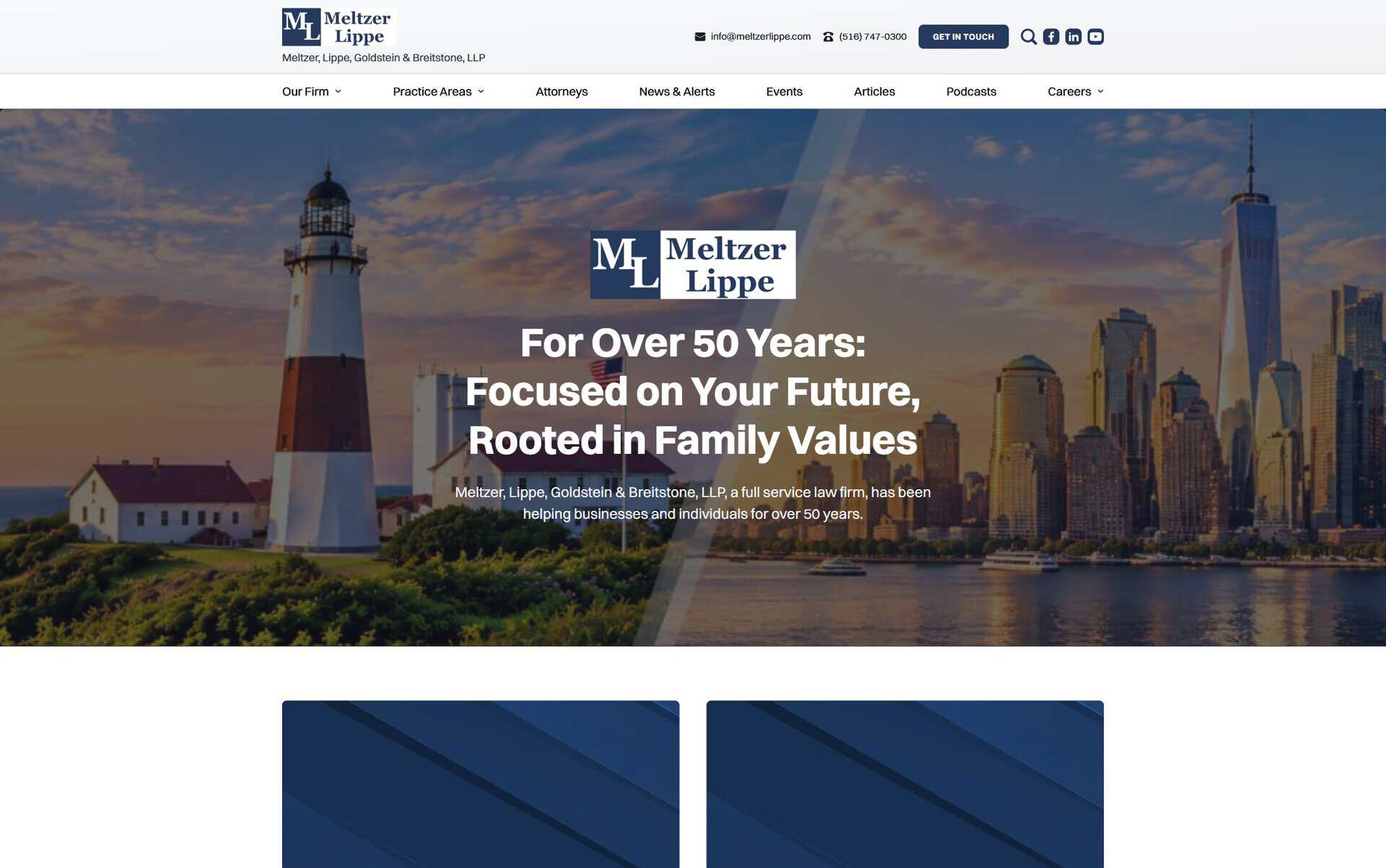
A Firm Whose Website Had Outgrown Itself
The SituationMeltzer Lippe has published steadily for years: attorney profiles, client alerts, articles, news, newsletters, podcasts and seminars. Years of additions had left duplicate records, profiles of attorneys who had left, broken addresses and missing files.
The firm wanted all of it in one structured site that connects each piece to the people and practice areas behind it, and that its own team can keep current.
What the Site Had to Do
GoalsTwo sets of goals: what Meltzer Lippe needed from its new website, and what its visitors came to do.
For Meltzer Lippe
- One structured home for everything it publishes, easy for its own team to keep current.
- A site that matches a 50-year firm with offices on Long Island and in Manhattan.
- Every old address still working after the move.
For visitors
- Find the right attorney and practice area quickly.
- See the firm’s expertise through its writing, events and podcasts.
- Contact the right group directly.
Eight Parts of One Connected Site
What We Built and WhyWhat we built, why, and what each part does for the firm and for visitors.
A content model that connects everything
- What
- More than a dozen content types, among them attorneys, practice areas, articles, news, alerts, newsletters, podcasts, events, careers and affiliations, linked to each other. An article knows its authors and practice areas; an attorney knows their areas, writing and events.
- Why
- On a law firm’s site, the questions are “who handles this?” and “do they know it?”. Links between the records answer both on every page, without anyone maintaining lists by hand.
- For the firm
- Publish once and the piece appears on the attorney’s profile, the practice area and the listings.
- For visitors
- From any article or practice area, one click to the attorneys behind it, and from any attorney to everything they’ve written.
Attorney profiles people can use
- What
- 80 profiles, sorted A to Z by last name, each with practice areas, bio, bar admissions, education, affiliations, their articles and upcoming events, and a vCard to download.
- Why
- Prospective clients and referring lawyers come to check a specific person. The facts they look for sit in a fixed order, and the vCard puts the attorney in their contacts in one tap.
- For the firm
- Profiles stay consistent because they’re fields, not free-form pages.
- For visitors
- A quick, complete picture of the person they may hire.
Practice areas as entry points
- What
- 12 practice area pages, each with its attorneys and related writing. Elder Law has a landing page of its own: the group chair, its attorneys, a calendar of its seminars kept apart from the firm’s main events, the Elder Law Review newsletter and a contact form for the group.
- Why
- Most visitors arrive with a problem, not a name. A practice area page gathers the expertise, the people and the next step in one place. Elder Law runs its own seminars and newsletter for families, so it got the most complete page.
- For the firm
- Each group shows its work and receives its own inquiries.
- For visitors
- Proof of expertise and a direct line to the right people.
Insights the firm can keep publishing
- What
- Separate listings for News & Alerts, Articles, Podcasts and newsletters, with filters by practice area; podcasts play inline from Spotify, and articles can carry video.
- Why
- The firm publishes often and in many formats. Each format kept its own home, and the filters let a reader stay within their topic.
- For the firm
- A steady stream of publishing that builds authority and feeds the attorney and practice area pages automatically.
- For visitors
- Current, relevant reading on the issue they care about.
Seminars and events
- What
- About 180 events in a dedicated events system, with dates, categories and calendars, linked to practice areas and attorneys.
- Why
- The firm runs seminars for clients and the community. A dedicated events plugin covered what a custom build would have struggled with, such as calendar views and recurring events, a deliberate trade of flexibility for reliability.
- For the firm
- Events listed once, shown on the calendar, the practice area and the speakers’ profiles.
- For visitors
- What’s coming up, by topic.
The firm’s story, culture and careers
- What
- Pages for the firm’s history, culture, community leadership and diversity and inclusion; careers split into open positions and the summer associate program.
- Why
- Lateral hires, students and clients judge a firm by its people and values as much as by its practice list.
- For the firm
- Recruiting pages it can point candidates to.
- For visitors
- A sense of who the firm is beyond its services.
A careful move from the old site
- What
- Years of content migrated and cleaned: duplicates merged, departed attorneys’ profiles handled, co-authored articles corrected, missing files and broken links fixed; 112 old addresses redirected to their new pages.
- Why
- A firm’s published record is part of its reputation, and its old links live in emails, court filings and search results.
- For the firm
- Nothing lost in the move, and a clean base to build on.
- For visitors
- Old links still land on the right page.
Built to be edited
- What
- Structured fields for every content type and an editing setup prepared for the firm’s marketing lead.
- Why
- The site only stays current if the firm can update it without waiting for a developer.
- For the firm
- The team said the new backend was easier to use than the old one.
- For visitors
- A site that keeps up with the firm.
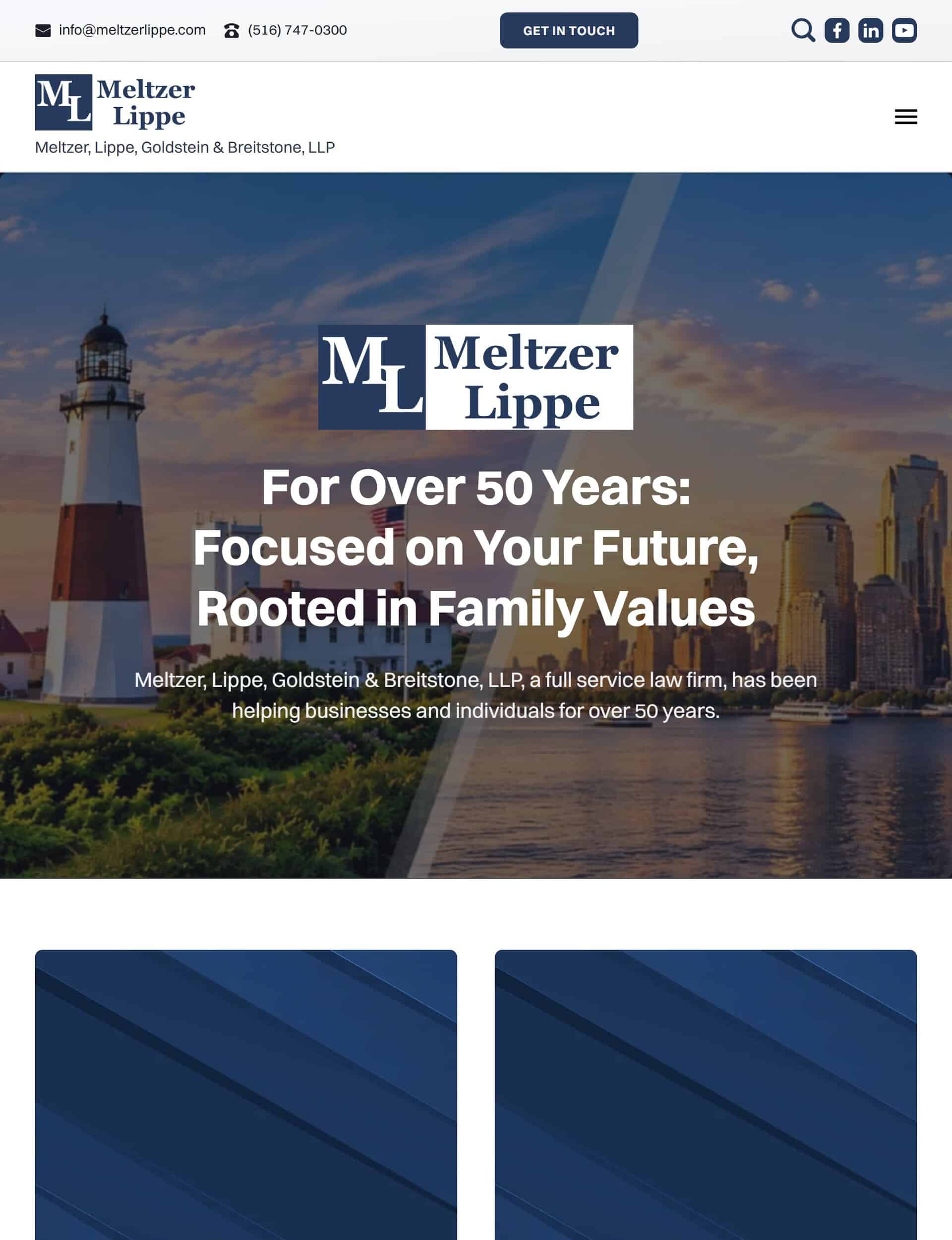
Meltzer Lippe on Every Screen
The WebsiteThe finished website on a laptop, a tablet and a phone.

The Work You Don’t See
Behind the Scenes- Repeated checks of the migration, the redirects, the links between records, the forms and the email delivery before launch, with full backups of the old and new sites.
- Rank Math for titles, schema and redirects; the pages output structured data for the organization, attorneys (Person), events and articles.
- Two offices with their own addresses and phone numbers, in the footer and the schema.
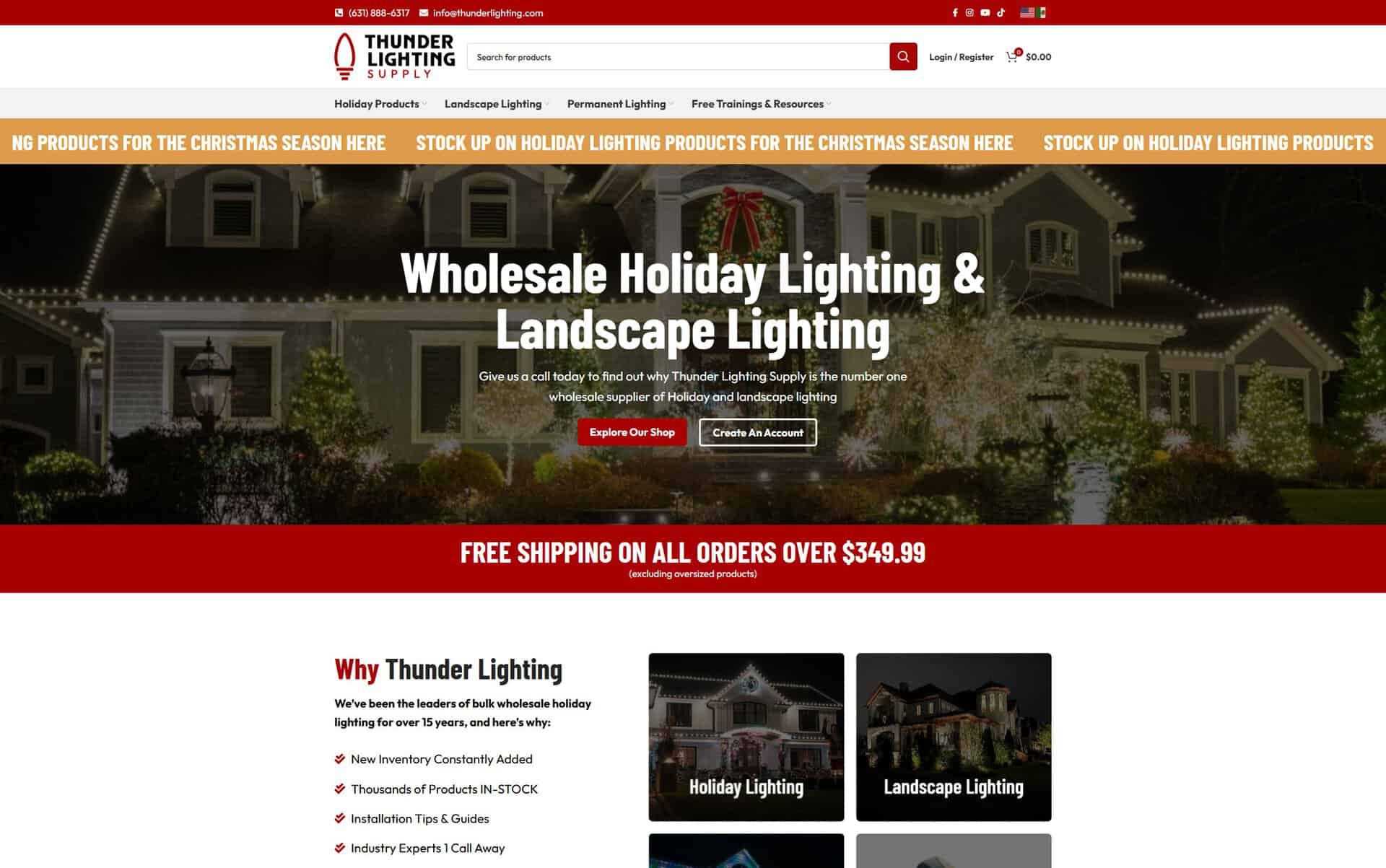
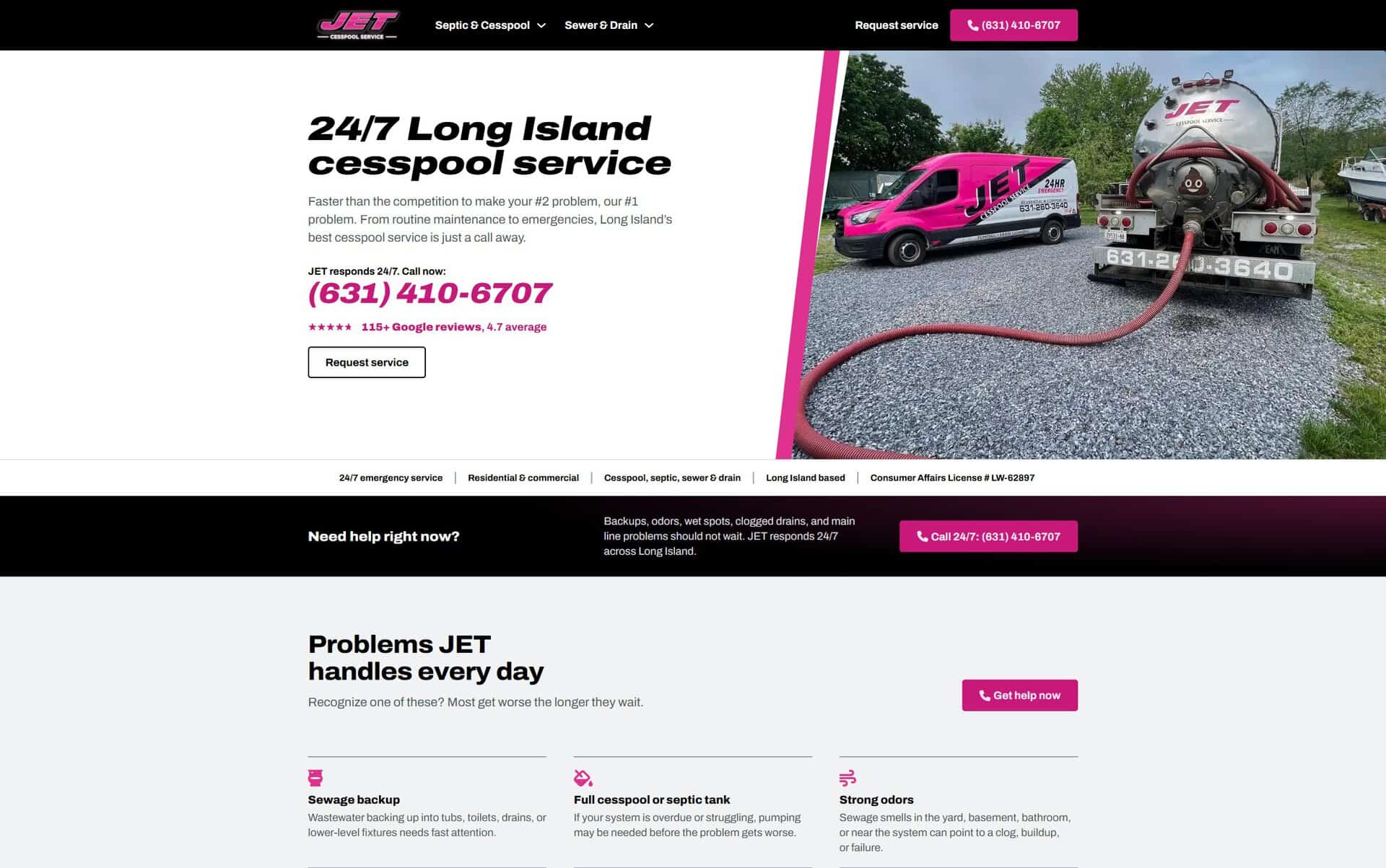
More Websites We’ve Built
More WorkOther websites we’ve built, each with the goals behind it and the choices we made.
Want a Website That Works Like This One?
Start With a ConversationEvery website we build starts with what the business needs. Tell us about your business, and we’ll show you what we’d build for it and why.
No pressure. No obligation to move forward. Just a conversation to see if we’re the right fit.